

Choose a path
What a Site Extension can provide
A pack only unlocks the controls that match its declared capabilities. Depending on the pack, that may include:- conversation outlines and user-query headings
- prompt insertion and submit behavior
- basic conversation export
- generation and stop-button detection
- new-chat actions
- width, Zen mode, clean mode, or panel avoidance
- reading history, model locking, or conversation-list integration when the required configuration is present
Built-in adapters vs Site Extensions
Selector-only hotfixes for configured built-in adapters use the signed patch channel in the same registry. They are not Site Extensions and cannot introduce a new site.
Trust boundary
Registry packages are downloaded from immutable version paths, checked against a signed registry index and SHA-256 package digests, then validated again locally before activation. Local JSON imports still pass the runtime validator, but they skip the registry signature chain and do not auto-update. Import only from a source you trust, and review domains and capabilities first.Where to manage packs
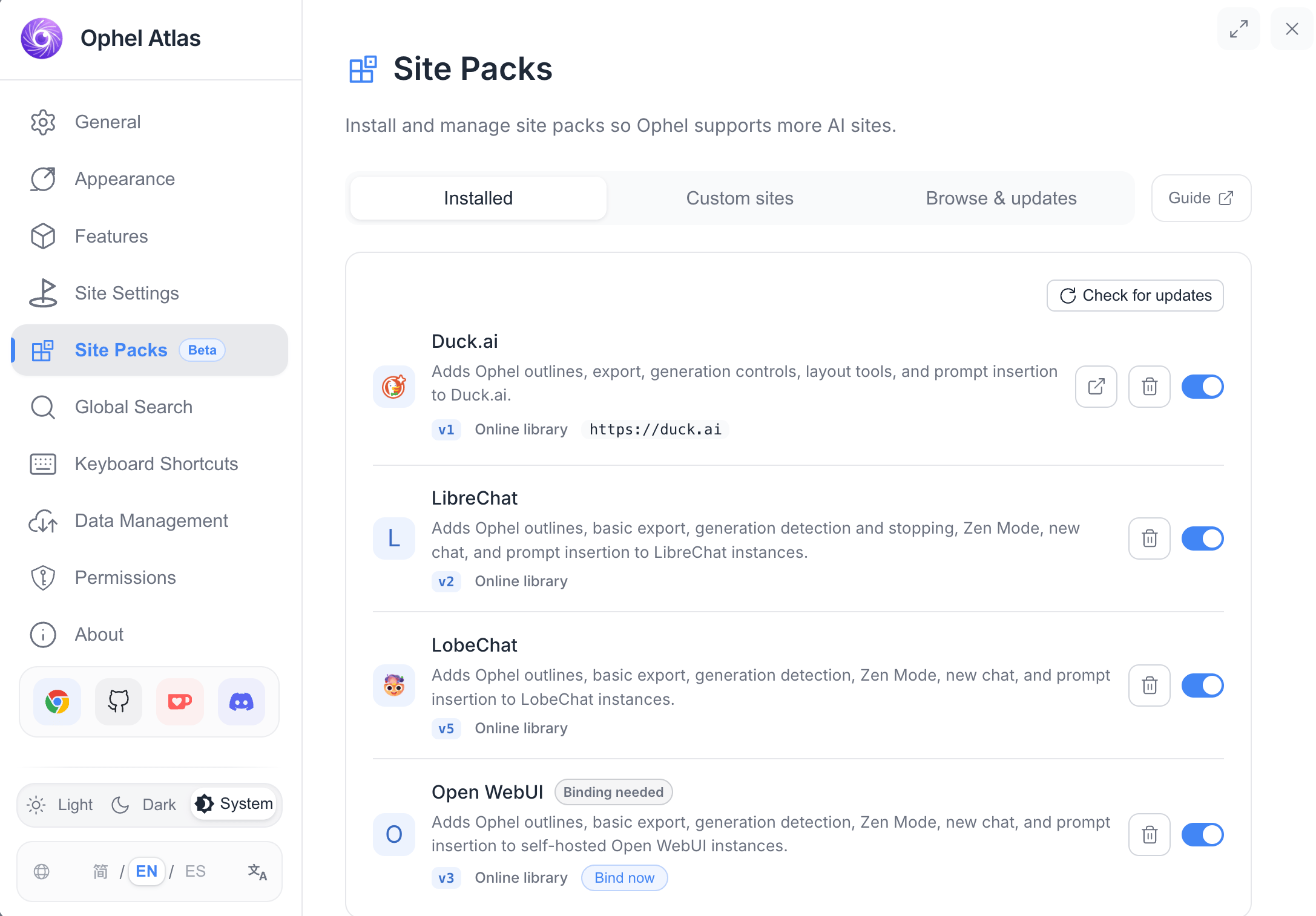
Open Settings → Site Packs. The same management page is available from the extension Options page and the in-page settings dialog. Tabs in the current UI:
A Guide button in the settings toolbar opens this documentation on ophel.app.
Example packs in the community registry
The registry source currently ships these community manifests underregistry/sites/:
Exact capability sets differ by pack. Install a pack and inspect its declared capabilities, or open the JSON in the ophel registry for the source of truth.
Security model in one page
- No arbitrary JavaScript, remote code, or executable callbacks
- HTTPS origins only; HTTP custom bindings are rejected
- Optional host permission and dynamic content-script registration in the extension
- Registry index is Ed25519-signed; package files are SHA-256 pinned
- Failed or invalid updates keep the last-known-good installed state
- Built-in site IDs and domains cannot be claimed by a pack
Next steps
- Install a pack from the online library or a local JSON file.
- For self-hosted apps, bind the exact HTTPS origin under Custom sites.
- If you are writing a pack, read the capabilities reference and authoring guide.